
Version: 7.6.0.710139
Developer: Kwai Technology Limited
 Verified App
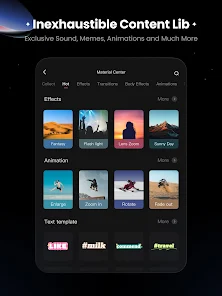
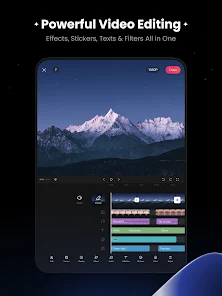

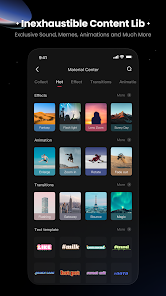


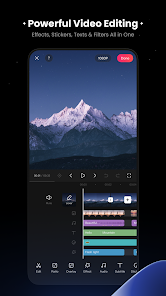

 KwaiCut - Video Editor offers a user-friendly interface for effortless editing. Enjoy a wide range of filters to enhance your videos. Add music tracks from a vast library for a perfect soundtrack. Trim, cut, and merge clips with precision and ease. Share your creations directly on social media platforms.
 KwaiCut - Video Editor has some drawbacks that users should consider. The app may have limited features. It can be slow on older devices. Watermarks can be intrusive in free version. Export quality may be compromised. User interface can be confusing.
  Google Play
  App Store
 Yes, users can submit feedback through the app's support or feedback section.
KwaiCut may collect personal data as per its privacy policy, primarily for app functionality.
Yes, KwaiCut allows users to edit videos offline without an internet connection.
You can cancel your subscription through your app store account settings.
Subscription costs vary; check the app for the latest pricing details.
You can reach customer service through the app's settings or visit the official website for support options.
To activate premium features, go to the app's settings, select the subscription option, and follow the prompts to purchase.
Open the app, tap on the login option, and enter your credentials or use social media accounts to log in.
No activation is required; you can start using the app immediately after downloading it.
The customer number is typically found in the app's help section or on the official website.