Category: others
Developer: Peacock TV LLC
 Verified App


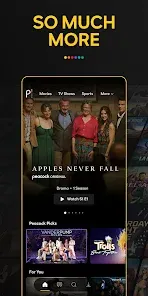



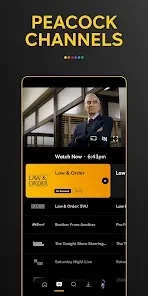

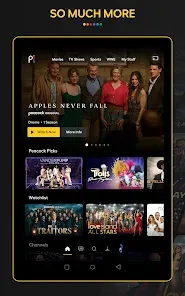

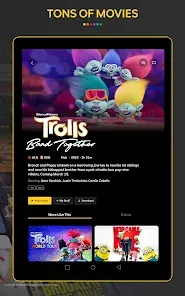
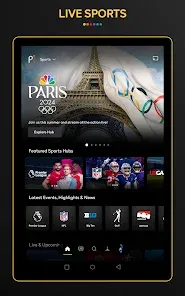



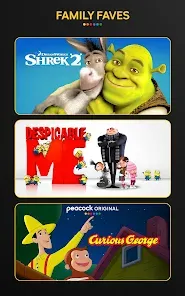
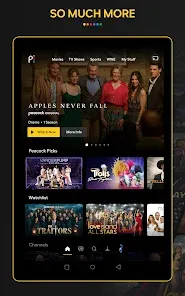

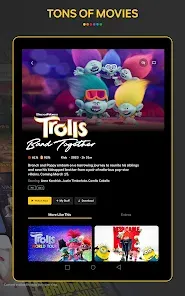
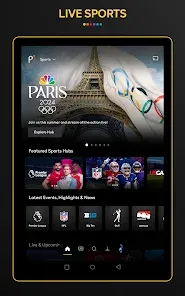



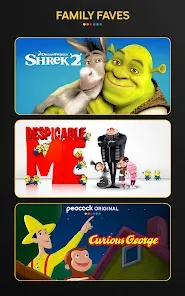
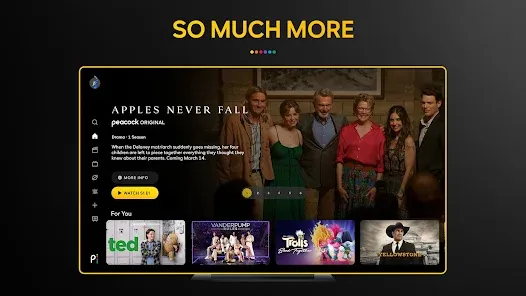
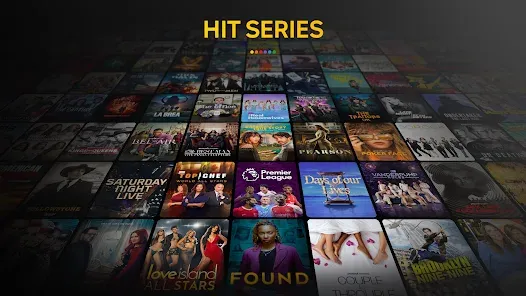
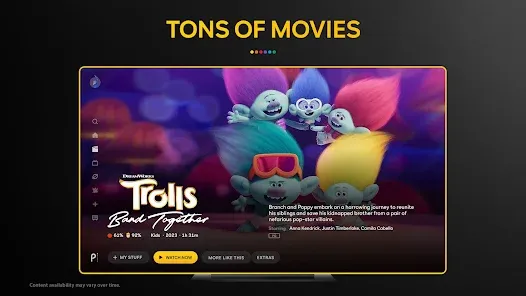
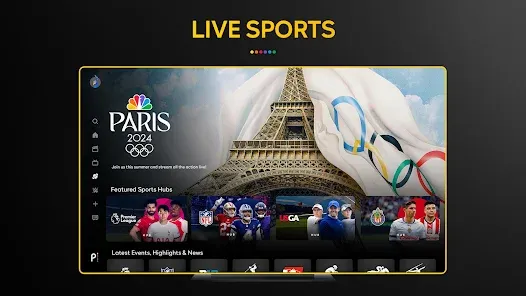
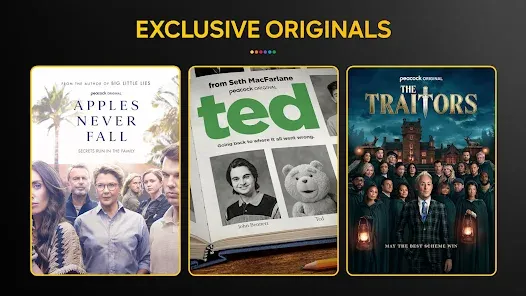


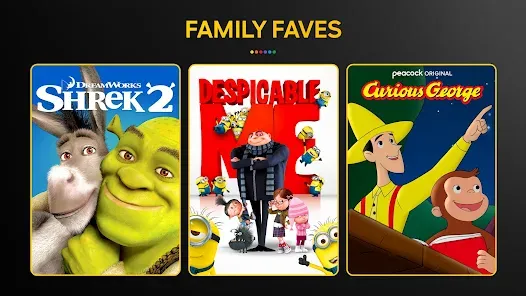
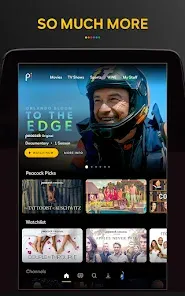


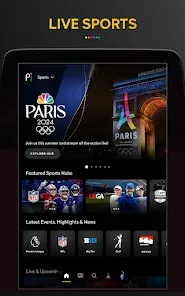


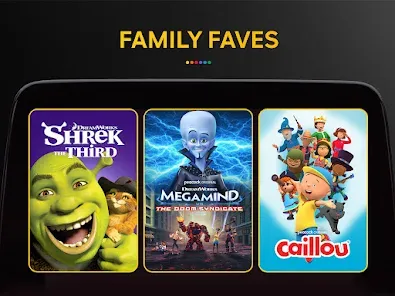
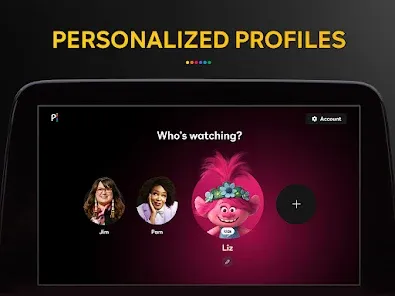
Peacock TV is a streaming service and mobile app from NBCUniversal that offers a wide selection of TV shows, movies, and original programming. The app is available on iOS and Android devices, as well as on select streaming devices. With Peacock TV, users can watch live and on-demand content from NBC, Telemundo, USA Network, SYFY, E!, Bravo, and more. The app also offers a selection of movies from Universal Pictures, DreamWorks Animation, Focus Features, and Illumination. Peacock TV also features exclusive original programming, including the hit series Brave New World and the upcoming Saved by the Bell reboot.
Features & Highlights
Peacock TV: Stream TV & Movies has quickly made a name for itself in the crowded streaming landscape. With a variety of features designed to enhance your viewing experience, it's no wonder this app has gained traction among users. Here are some core highlights:
Real Experience Using Peacock TV: Stream TV & Movies
Application Scenarios
As someone who enjoys winding down with a good show after a long day, Peacock TV has become an integral part of my evening routine. Whether I’m lounging on the couch after work, hosting a movie night with friends, or even looking for something to watch during my gym breaks, Peacock fits seamlessly into my life. I often find myself using it to catch up on my favorite series or discover new content that aligns with my interests. Recently, I hosted a small gathering and used the app to stream a classic movie; the ease of navigation and extensive collection impressed my guests.
User Experience
The user interface of Peacock TV is clean and intuitive, making it easy to navigate through its extensive library. Upon opening the app, I was greeted with a well-organized homepage showcasing trending shows, new releases, and personalized suggestions. The feature workflow is smooth, allowing me to switch between categories without feeling overwhelmed. Performance-wise, I was impressed by the loading times and streaming quality, which remained consistent even during peak hours. Overall, my experience has been positive, and I appreciate how the app continues to evolve, providing an engaging viewing experience.
Pricing
Peacock TV offers a range of pricing options to cater to different viewing preferences. The free version provides access to a limited library, while the premium plans—starting at $4.99 a month—unlock a broader range of content, including live sports and exclusive shows. For those seeking an ad-free experience, the premium plus option is available at $9.99 monthly. This tiered pricing allows users to enjoy the service without feeling pressured to pay for features they may not use.
Updates & Support
Peacock TV regularly updates its app to enhance user experience and expand its content library. The support team is responsive, providing assistance through various channels, including email and social media. I’ve had a couple of questions regarding account settings, and I was pleased to receive prompt and helpful responses. The app’s commitment to continual improvement and customer support adds to its overall reliability and user satisfaction.
Security & Privacy Review
As an American user, security and privacy are paramount when using streaming apps like Peacock TV. The app is available on officially recognized platforms, including the App Store and Google Play, which adds an initial layer of trust. When registering, the app asks for basic personal information, including an email address and password, but it does not require excessive data that could compromise your privacy. However, like many free services, Peacock does include ads, which may involve some level of tracking behavior to tailor advertisements to user preferences. This aspect might raise concerns for privacy-conscious individuals, but overall, the app provides a reasonable balance between user privacy and content accessibility.

 Wide selection of movies and TV shows available. Exclusive original content you won't find elsewhere. User-friendly interface for easy navigation and streaming. Affordable subscription plans for every budget. Access to live sports and news events.
 Limited content library compared to competitors Ad-supported free tier can be disruptive Restricted access outside the United States User interface can be confusing at times
  Google Play
  App Store

doesn't translate into English for major sporting events. subtitles should atleast be available for a paid subscription.
This app blows. Get what you pay for I guess. Content streaming quality is on par with my mom's 1986 crt TV. Ads however play in beautiful HD. Go figure. 👎
keeps freezing, screen stays green and picture don't show
no good! they want you to pay and way too many commercials,automatically 0 stars and gone! good job morons.
It literally does not load the World Cup. I get hit with ad after ad and then a "we'll be right back" while other mediums are live. Great to know I'm missing this game because this app sucks :)
Review Source: Google Play store public user reviews.
Yes, like many streaming services, Peacock TV: Stream TV & Movies collects personal data to enhance user experience, improve services, and deliver personalized content. Users should review the privacy policy for detailed information on data collection and usage.
Yes, Peacock TV: Stream TV & Movies offers a free tier with limited content and features. Additionally, they provide subscription plans that allow access to a broader range of content, but the specifics of any free trial promotions may vary.
Yes, Peacock TV: Stream TV & Movies requires a stable internet connection to stream content. Without internet access, you will not be able to watch any of the available programming.
You can contact support for Peacock TV: Stream TV & Movies through their website or app, where you can find help articles, live chat options, and contact forms for submitting feedback or inquiries.
You can manage or cancel your Peacock TV: Stream TV & Movies subscription through the account settings in the app or website. Simply log in to your account, navigate to the subscription section, and follow the prompts to make changes.
Yes, if you signed up through a partner like Amazon or Apple, you may need to activate your account via a confirmation email or a specific activation link.
You can contact Peacock TV customer service through the app or website by accessing the Help Center or using the live chat feature. You can also reach them at their support number.
To reset your password, go to the login page, click on 'Forgot Password,' and follow the instructions sent to your registered email address.
To update your payment information, log into your account, go to 'Account Settings,' and select 'Manage Payment Methods' to add or edit your payment details.
To cancel your subscription, log in to your account, go to 'Account Settings,' and select 'Cancel Subscription.' Follow the prompts to complete the cancellation process.
Some bugs are no more. Carry on streaming :)

Google Gemini
McDonald’s Happy Meal App

T-Mobile Internet

Niagara Launcher ‧ fresh/clean
LIVE FOOTBALL TV STREAMING HD

Bluesky

AliExpress - Shopping App

PayPal - Pay, Send, Save
Phone Master–Junk Clean Master
The Simpsons™: Tapped Out

Hik-Connect

NVMS7000