Category: Communication
Developer: Secret Phone, Inc
 Verified App


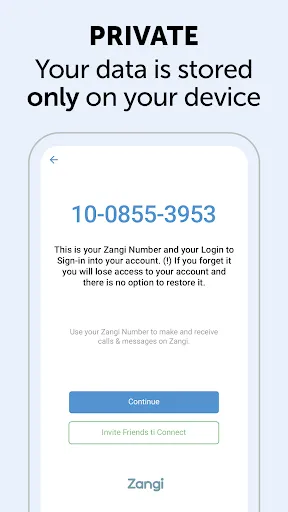
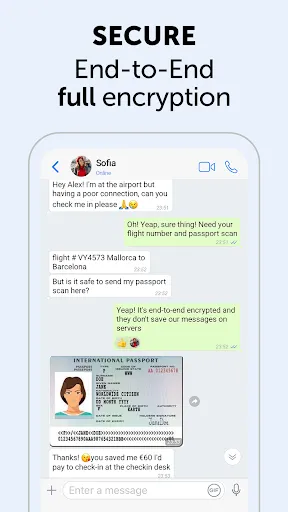
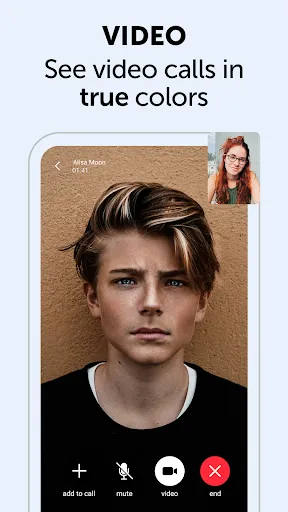
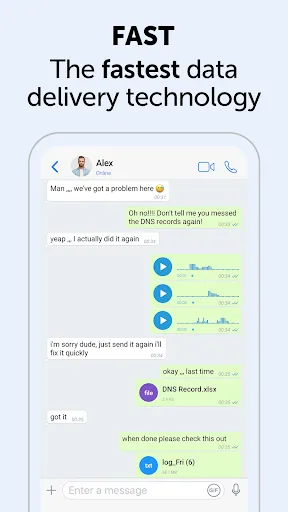
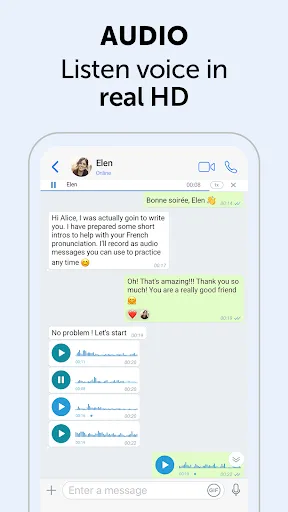
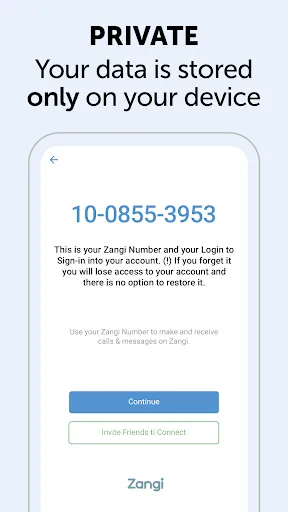
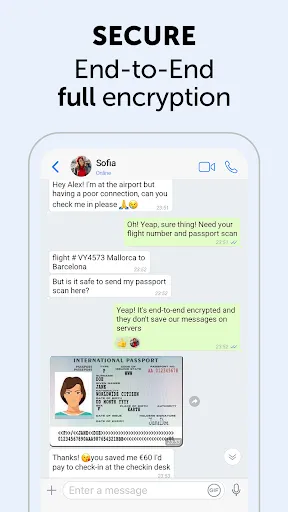
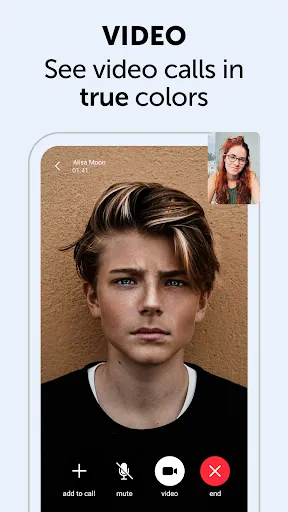
Zangi Messenger is a secure, free, and fast messaging app that allows users to communicate with friends and family around the world. It offers end-to-end encryption, meaning that messages are secure and private. It also offers a variety of features, such as group chats, voice and video calls, file sharing, and more. Zangi Messenger is available for both iOS and Android devices, and is free to download and use. It is a great way to stay connected with friends and family, no matter where they are in the world.
Features & Highlights
Zangi Messenger is not just another messaging app; it’s a robust platform designed to enhance communication through a variety of innovative features. Here are some of the core highlights that make Zangi stand out:
Real Experience Using Zangi Messenger
Application Scenarios
As a busy professional, I rely on Zangi Messenger for both personal and work-related communication. One of the most common scenarios I find myself in is needing to coordinate with my team while traveling. Recently, I was attending a conference in a location with limited connectivity. Thanks to Zangi’s offline messaging capability, I could draft messages to my team that they received as soon as I regained my internet connection. This feature greatly enhances productivity, ensuring that I never miss an important update.
Additionally, I use Zangi for family video calls. Family members are spread across different states, and the high-quality video calling feature makes it easy to stay connected. During a recent family gathering, we used Zangi to include my sister who couldn’t attend in person. The call quality was impressive, with no lag or interruptions, making her feel like she was right there with us.
User Experience
The user interface of Zangi Messenger is sleek and intuitive, making it easy to navigate for users of all ages. Upon opening the app, I was greeted with a clean layout that prioritizes ease of use. Sending messages, making calls, and accessing settings are all straightforward, which is a significant plus for someone like me who often juggles multiple apps. The workflow for initiating calls or sending media is seamless, and I appreciate how quickly the app responds, even when I’m in areas with fluctuating internet connections.
Performance-wise, Zangi has consistently delivered a smooth experience. I’ve encountered very few bugs, and the app rarely crashes. After using it extensively for both personal and professional purposes, I can confidently say that Zangi Messenger provides a reliable platform for communication. I appreciate the little details, like the ability to customize notification settings, which allows me to focus on my work without constant distractions.
Pricing
Zangi Messenger offers a free version that includes most of its essential features, making it accessible to a wide range of users. For those looking for additional functionalities such as advanced file sharing and increased cloud storage, there is a premium subscription available at a reasonable price. I find the pricing structure fair, especially considering the quality and security the app provides.
Updates & Support
One of the standout aspects of Zangi Messenger is its commitment to regular updates and user support. The developers frequently roll out updates that improve performance and introduce new features based on user feedback. I’ve reached out to their support team a couple of times with queries, and each time, I received prompt and helpful responses. Knowing that there’s a reliable support system in place adds to the overall positive experience of using the app.
Security & Privacy Review
In today’s digital landscape, security and privacy are paramount, especially for American users who are often cautious about their personal information. Zangi Messenger stands out with its commitment to user privacy, starting with its availability on official app stores like the App Store and Google Play. This ensures a layer of trust and reliability.
When it comes to registration, Zangi requires minimal personal data, which is a significant advantage. Unlike many other messaging apps, it doesn’t ask for unnecessary information, allowing you to maintain your privacy. Additionally, Zangi does not engage in tracking behavior or intrusive ads, which is a common concern among users. The focus on end-to-end encryption adds another layer of security, ensuring that your conversations remain private and secure from prying eyes.
Overall, my experience with Zangi Messenger has been overwhelmingly positive. Its combination of robust features, user-friendly design, and a strong commitment to security and privacy makes it a top choice for anyone looking to enhance their messaging experience.

 Zangi offers end-to-end encryption for maximum privacy and security. It allows high-quality voice and video calls, even on low bandwidth. Users can send files of any size without restrictions. The app features a user-friendly interface for seamless navigation. Zangi works on multiple devices, ensuring connectivity anywhere, anytime.
 Limited user base restricts potential connections and interactions. Features may be less intuitive compared to competitors. Privacy concerns due to reliance on third-party servers for data management.
  Google Play
  App Store
Good enough to use.
good 😊
it good and fun u really love it

no thank you
𝑛𝑜𝑡 𝑏𝑎𝑑
Review Source: Google Play store public user reviews.
Yes, users can submit suggestions or feedback through the app's support option or the official website to help improve the service.
Zangi Private Messenger prioritizes user privacy and does not collect personal data beyond what is necessary for account creation and service functionality.
Yes, Zangi Private Messenger allows users to send messages and access certain features offline, which will be delivered once the device is back online.
To cancel your Zangi Private Messenger subscription, you can go to the settings within the app or your app store account settings, depending on how you subscribed.
The subscription cost for Zangi Private Messenger may vary based on the selected plan, with options for monthly or annual subscriptions available.
To activate your account, download the app, enter your phone number, and follow the verification steps sent to your device.
You can contact our customer service by visiting the support section in the app or through our website's contact form.
To log in, enter your registered phone number and the verification code sent to you via SMS.
Account activation is typically instant, but in some cases, it may take a few minutes. Check your SMS for the activation code.
Yes, you can access customer service directly through the app's help section for quick support.
★ Call Recents UI and UX improvements ★ Performance improvements ★ Bug and crash fixes
GroupMe

Firefox Fast & Private Browser
Firefox: el navegador privado
Straight Talk My Account
Messages: SMS, Messenger Home
TracFone My Account

Receive SMS Temporary number

MCF Employee App

CorrLinks Text Chat
Watchgram for Telegram

Speak and Translate Languages

Quick Search Browser for TV