Version: 2.1.1
Developer: Oakever Games
 Verified App
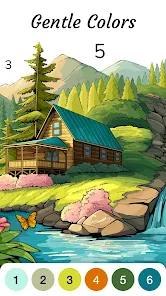
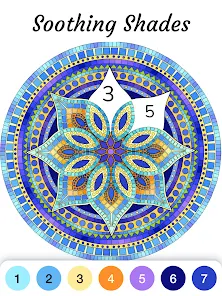
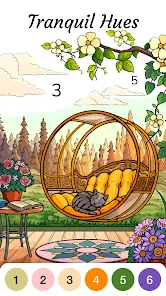
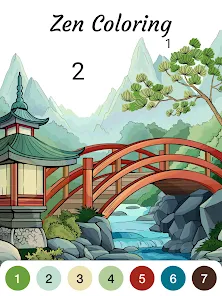
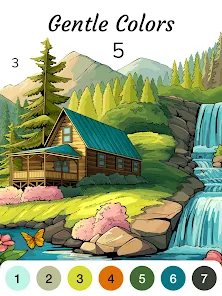

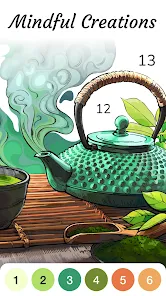
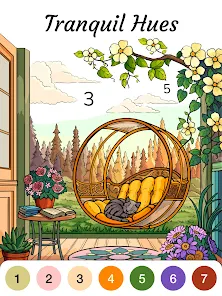

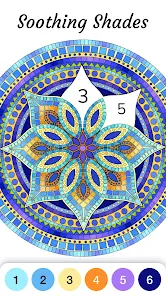

 Relaxing and stress-relieving coloring experience Easy-to-follow color-by-number system for all ages Wide variety of beautiful images to choose from Boosts creativity and artistic skills effortlessly User-friendly interface enhances enjoyment and engagement
 Limited color palette can feel restrictive Frequent ads disrupt the experience Some users report bugs and crashes Lacks advanced features for experienced users
  Google Play
  App Store
 Yes, users can submit feedback and suggestions through the app's support or contact features.
Zen Color may collect some data for app functionality, but it prioritizes user privacy and data protection.
Yes, Zen Color allows users to color offline, making it convenient for use without an internet connection.
You can cancel your subscription through your device's app store settings before the next billing cycle.
Subscription costs may vary, but typically range from a few dollars per month to a discounted annual rate.
You can reach customer service through the app's settings or visit the official website for support options.
Open the app, tap on the login option, and enter your credentials or use social media accounts to sign in.
If you have a subscription, simply log in with the account used for purchase to activate your features.
The customer number is typically found in the app's help section or on the official website.