Version: 29.6.2
Developer: Adobe
 Verified App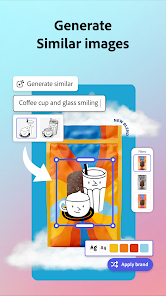
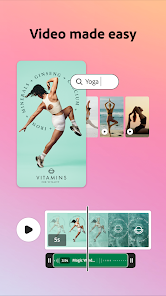
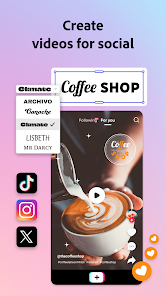
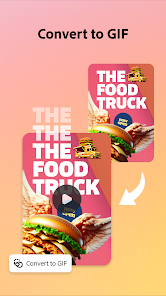
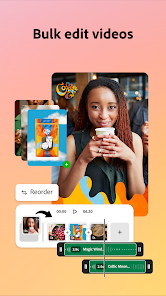
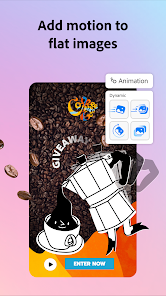
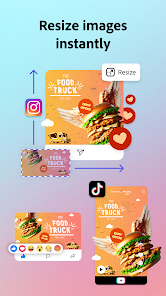
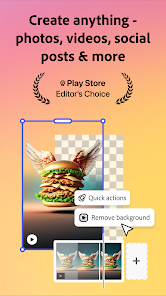
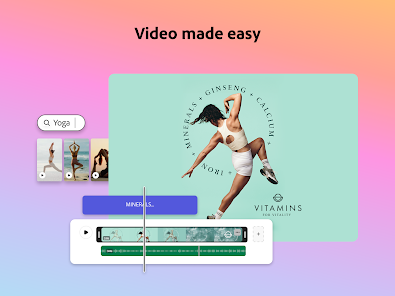
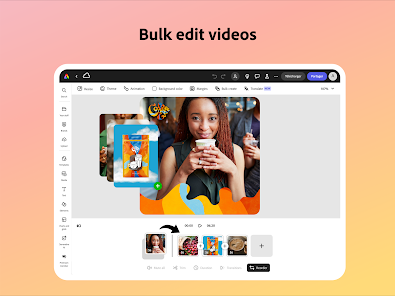
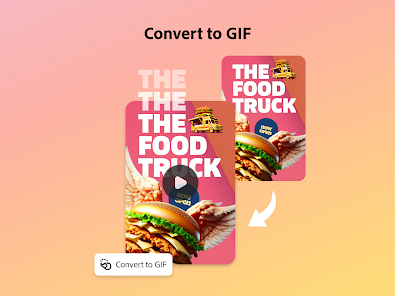
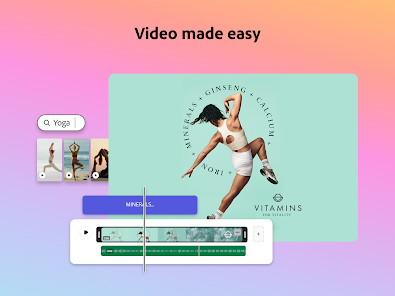
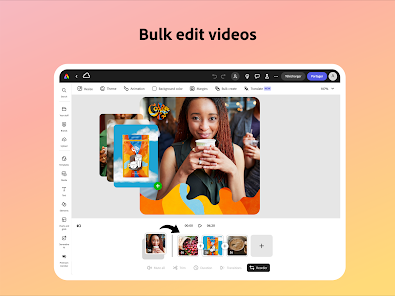
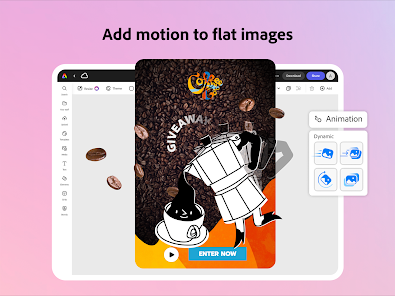
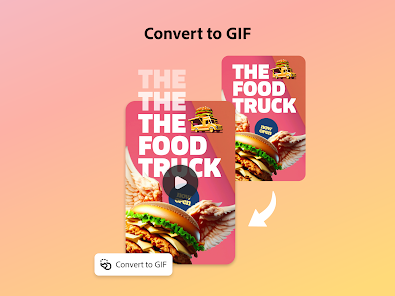
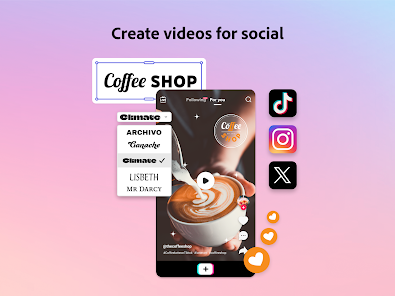
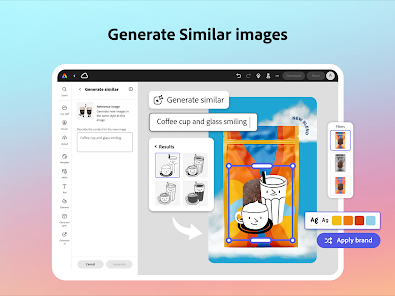
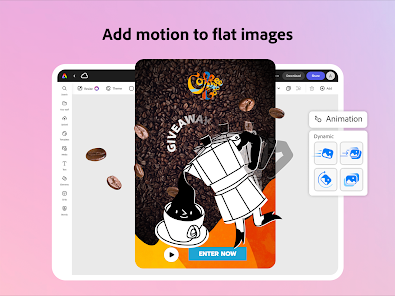
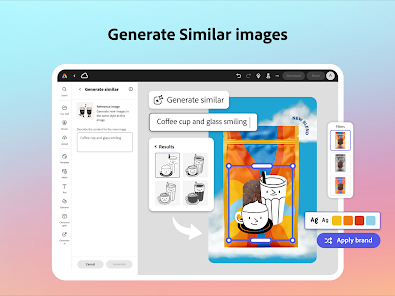
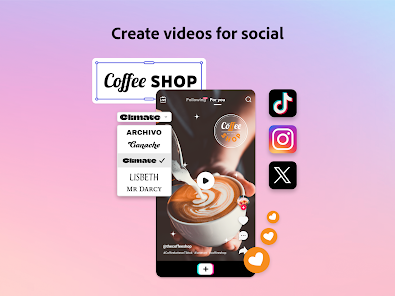
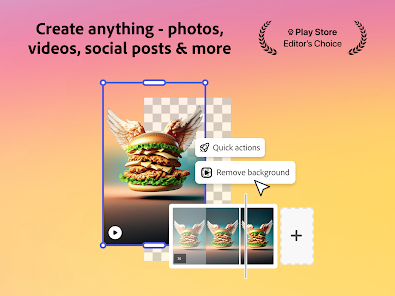
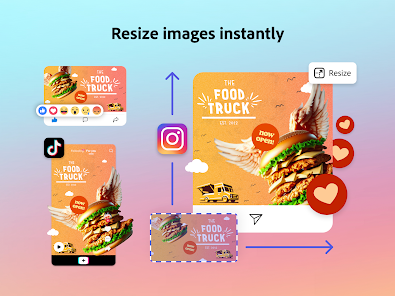
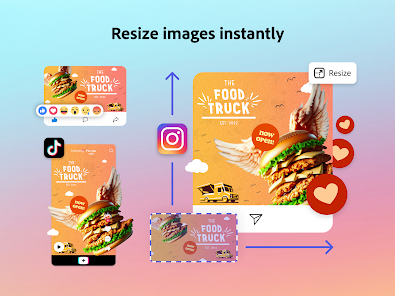
Adobe Express Graphic Design Mobile App is a free mobile app that allows users to create and edit graphic designs on their mobile devices. It includes a range of tools and features to help users create professional-looking designs, including a library of templates, fonts, and shapes. The app also allows users to share their designs with others, and to collaborate with other designers.
Features & Highlights
Adobe Express: Graphic Design stands out as a versatile design tool that caters to both beginners and seasoned professionals. Its dynamic features simplify the design process while enhancing creativity. Here are some of the core features that I found particularly useful:
Real Experience Using Adobe Express: Graphic Design
Application Scenarios
My journey with Adobe Express: Graphic Design began during an overwhelming week filled with deadlines. As a freelance content creator, I often juggle multiple projects, and I found myself in desperate need of a tool that could streamline my design efforts. One evening, I needed to whip up a promotional graphic for a local event while simultaneously creating engaging social media posts for my personal brand. Adobe Express became my go-to solution. The ease of accessing various templates and editing tools in one app allowed me to shift gears quickly and produce high-quality designs under pressure.
User Experience
Navigating through Adobe Express is a delightful experience. The clean and modern user interface is both inviting and functional. I appreciated the organized layout, which allowed me to find tools and features without feeling overwhelmed. The workflow is remarkably smooth; I was able to start from a template, customize it, and export my designs within minutes. The performance is impressive as well—there were no glitches or lag while I was working on intricate designs, even on my mid-range tablet. Overall, using Adobe Express feels empowering; it helps unlock my creativity while minimizing the technical hassle often associated with graphic design applications.
Pricing
Adobe Express offers a freemium model, which is fantastic for casual users or those just starting their design journey. The free version provides a generous array of features, but for more advanced tools and templates, there’s a premium subscription available. I find that the pricing is reasonable, especially considering the high-quality resources and functionality it offers. For professionals or businesses, investing in the premium version could significantly enhance productivity and creativity.
Updates & Support
Adobe regularly updates Express, ensuring users have access to the latest features and improvements. After encountering a minor issue, I reached out to their support team through the app. I was pleasantly surprised by how quickly they responded and resolved my concern. The resources available, including tutorials and community forums, are also incredibly helpful for users looking to deepen their understanding of the app.
Security & Privacy Review
As a user concerned about security and privacy, I made sure to delve into the relevant aspects of Adobe Express. The app is available on both the App Store and Google Play, which provides a level of trust and reliability. During registration, I was only asked for essential personal information, making the process straightforward without unnecessary data collection. Importantly, I did not encounter any intrusive ads or excessive tracking behavior while using the app, which is a significant relief for privacy-conscious individuals. Adobe's commitment to user privacy is evident, making me feel secure while creating and sharing my designs.

 Create stunning videos effortlessly with intuitive drag-and-drop tools. Access a vast library of templates for quick designs. Customize your videos with AI-powered editing features for professional results. Share your creations directly on social media platforms with ease. Collaborate seamlessly with teams for efficient project management.
 Limited customization options can hinder unique video creations. Performance issues may arise with larger projects. Subscription costs may not justify the features for casual users.
  Google Play
  App Store
 Yes, users can submit suggestions or feedback through the app's support channels or community forums, allowing the team to consider user input for future updates.
Yes, Adobe Express: AI Video Design may collect personal data as outlined in its privacy policy, which typically includes information necessary for account creation and usage analytics.
Adobe Express: AI Video Design primarily requires an internet connection for full functionality, but certain features may be available for offline use depending on the device and platform.
To cancel your Adobe Express: AI Video Design subscription, you can do so through your Adobe account settings or by contacting Adobe customer support for assistance.
The subscription cost for Adobe Express: AI Video Design varies based on the plan selected, with options for monthly or annual billing. Specific pricing details can be found on the official Adobe website.
Yes, you can change your login information by going to your account settings. Look for the option to update your email or password.
Yes, you can log in to your Adobe Express account from any device as long as you enter the correct login credentials.
To activate your account, click the link in your registration email. Follow the instructions to complete the activation process.
After purchasing your subscription, check your email for an activation link or instructions. Follow those to activate your account.
You can reach customer service through the help section on the Adobe Express website or by calling the support number listed there.