Category: Travel & Local
Developer: Gps Nautical Charts
 Verified App


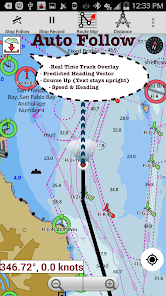
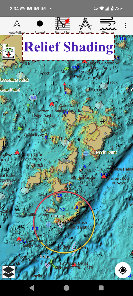
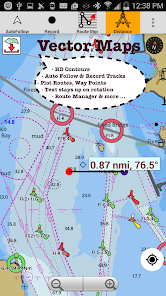
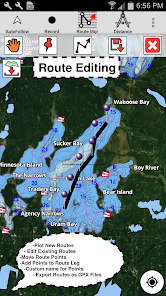
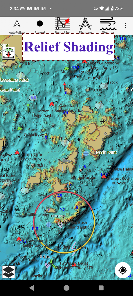
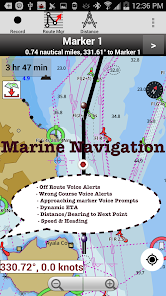
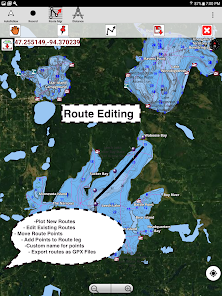
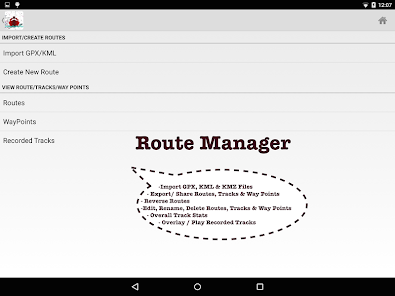
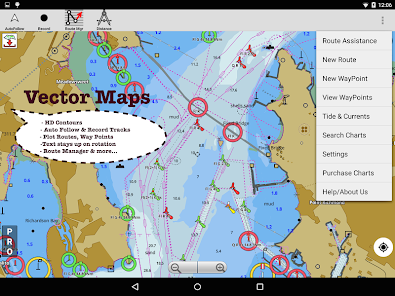
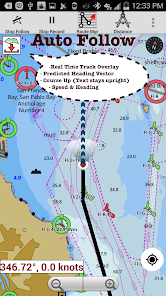
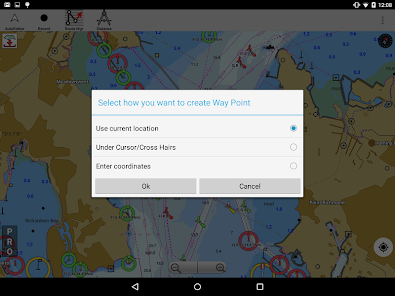
Features & Highlights
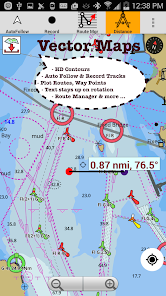
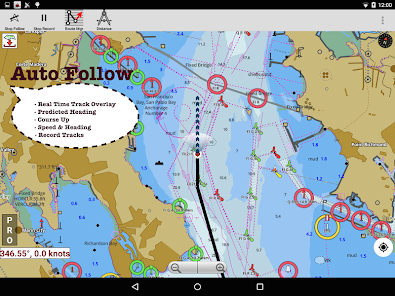
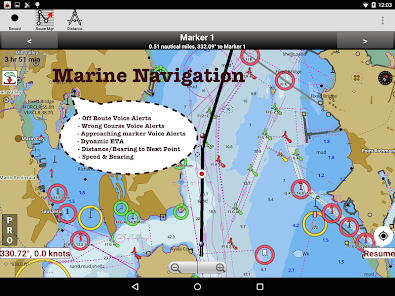
The i-Boating: Marine Navigation app is an impressive tool for anyone who spends time on the water, whether you’re a seasoned sailor or a weekend boater. Its robust features set it apart from the competition. Here are some of the core features that I found particularly useful:
Real Experience Using i-Boating:Marine Navigation
Application Scenarios
As an avid boater, I often find myself out on the water, whether it’s for leisure or fishing. I remember planning a weekend sailing trip with friends to a nearby island. Before heading out, I turned to i-Boating to ensure I had a solid plan. I used the route planning feature to chart our course, taking into account both the tides and weather conditions. The detailed nautical charts helped me identify potential hazards along the way, making the trip much more enjoyable and stress-free.
Another memorable scenario was during a fishing expedition on a lake. The real-time weather updates kept me informed about changing conditions, allowing us to adjust our plans accordingly. When dark clouds rolled in unexpectedly, I was able to find safe harbor quickly, thanks to the app’s accurate navigation tools. It’s experiences like these that have made i-Boating an indispensable companion on my boating adventures.
User Experience
The user interface of i-Boating is intuitive and easy to navigate, which I appreciate as someone who doesn’t want to fiddle with complicated settings while on the water. The home screen is clean and provides quick access to all features, making it user-friendly even for those who might not be tech-savvy. The workflow is seamless; I can plan a route, check the weather, and review my charts all in a matter of minutes.
Performance-wise, the app runs smoothly without any significant lag, which is crucial when you’re out navigating. I’ve used it on various devices, and it consistently delivers reliable performance. Overall, my experience with i-Boating has been overwhelmingly positive. It has become a part of my essential gear, and I can’t imagine heading out on the water without it.
Pricing
i-Boating offers a range of pricing options that make it accessible for everyone from casual boaters to professionals. The base app is free, allowing users to access essential features, but for those who want the full suite of tools, a subscription unlocks premium features like advanced charts and offline access. I found the pricing fair, especially considering the quality of information and tools available.
Updates & Support
The development team behind i-Boating is proactive in providing updates and support. I’ve seen regular enhancements to the app, including new features and improved chart accuracy. Whenever I’ve had questions, the customer support team has been quick to respond, demonstrating their commitment to user satisfaction. This level of support adds to the overall positive experience of using the app.
Security & Privacy Review
When it comes to security and privacy, i-Boating takes serious measures to protect user data. The app is available on both the App Store and Google Play, which adds an extra layer of credibility. During the registration process, I noticed that the app requires minimal personal data, which is a relief for privacy-conscious users like me. This approach makes the app accessible without feeling intrusive.
In terms of ads and tracking behavior, I found i-Boating to be relatively clean. While there are some promotional elements for premium features, I didn’t encounter excessive ads. There’s also no invasive tracking, which is a big plus for users concerned about their privacy while using navigation apps. Overall, I feel secure using i-Boating, knowing that my information is kept safe while I enjoy my time on the water.

 Experience real-time GPS tracking Detailed nautical charts included Offline maps for remote areas User-friendly interface design Customizable waypoints and routes
 Limited offline maps access Occasional data inaccuracies Steep learning curve for newbies In-app purchases for premium features
  Google Play
  App Store
absolutely wonderful app
positive easy to use

no good unless you pay
This app is a bait and switch!! They tell you it's a one time purchase but after 1 year you are cut off from updates and constantly nagged to re-purchase for another year. Anything you try and do in the app constantly presents nag screens to update and you are told some features are now missing until you pay again to upgrade.
Paid a lot for this and nothing is worth it. The charts have excellent detail but that's it. the UI is garbage. Unable to edit routes using tablet. pretty much useless. I'll be trying to recover my very expensive subscription.
Review Source: Google Play store public user reviews.
Yes, the charts in the i-Boating app are updated regularly to ensure users have access to the most current navigational information. The app may provide notifications for updates, and users can manually check for the latest charts within the app.
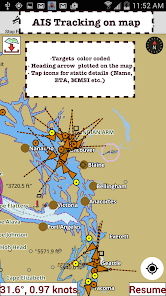
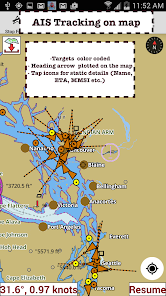
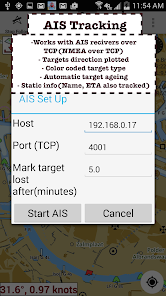
Yes, the i-Boating app supports integration with various marine devices, such as GPS plotters and AIS receivers. This allows users to enhance their navigation experience by combining data from multiple sources for improved situational awareness.
Yes, the i-Boating app allows users to share their location and route information with friends or family, which can be particularly useful for safety and coordination during group outings. Users can send location details via various messaging platforms.
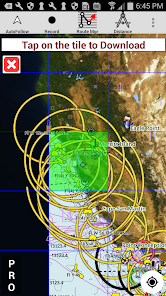
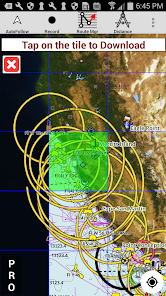
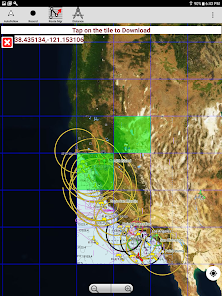
Yes, the i-Boating app allows users to download charts and data for offline use. This is particularly useful for boaters in remote areas where internet connectivity may be limited or unavailable. Users should ensure they download the necessary charts before heading out.
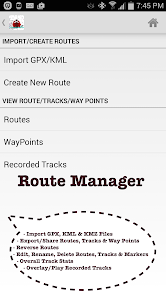
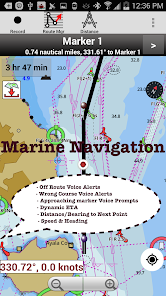
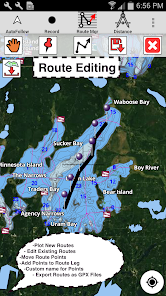
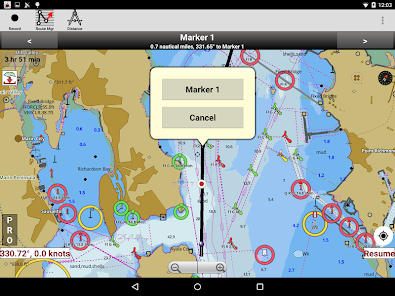
To create a route, users can simply tap on their desired starting point and destination on the chart. The app will then calculate the best route based on the selected parameters, taking into account factors like water depth and navigational aids.
You can contact customer service via the support section in the app or visit their official website for assistance.
To activate, enter your activation code in the app's settings after purchase.
Your customer number can usually be found in your account settings or confirmation emails after purchase.
Open the app and tap the login option, then enter your registered email and password.
Yes, activation is required to access premium features after purchase.
Public+Private LandsHighlight Fishing Depth RangeRELIEF SHADINGLake TemperatureMarine Weather ForecastFishing AINMEA ALARMS:Depth+WindMarine Weather:Wind,WaveAutomatic Boat RoutingUK Tide & CurrentsMagnetic BearingWind Prediction OverlayMagnify Text+IconsAnchor alarm Auto PilotCustom depth shadingSatellite imageryAIS &GPS NMEA TCP/UDPRussian rivers(Volga)Wind speed,direction,sonar depth,water tempNorway,Finland,DenmarkGerman(Donau,Elbe,Mosel,Rhein,Saar,Weser)Elbe,Ruhr