Version: 11.7.1
Developer: 3D4Medical from Elsevier
 Verified App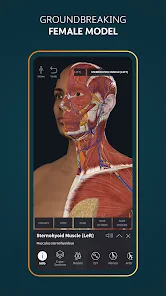

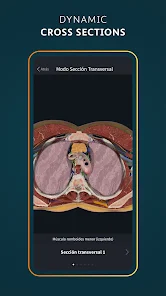
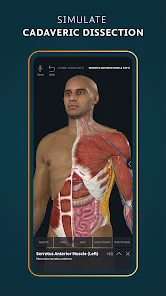
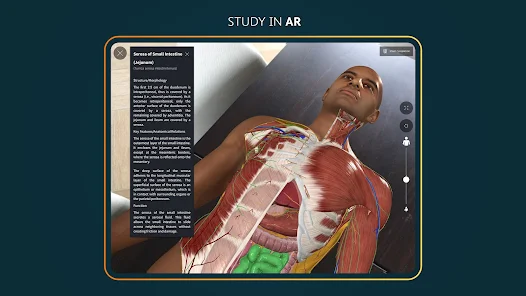
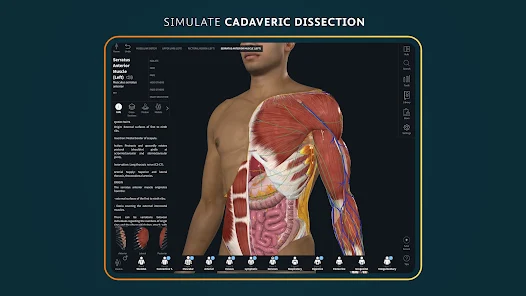
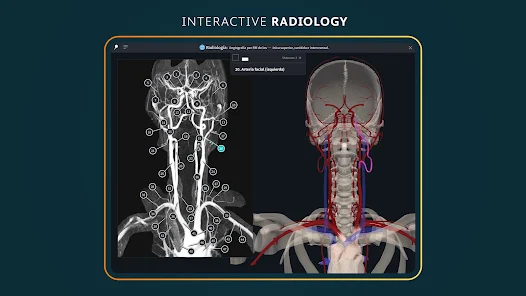
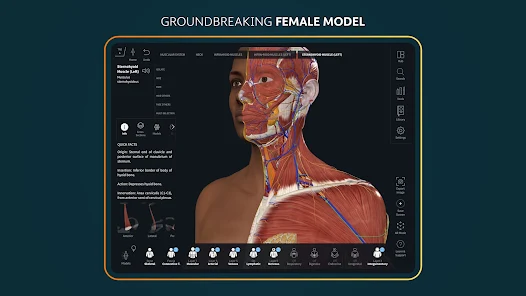
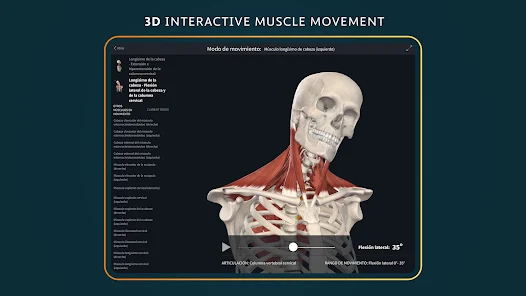
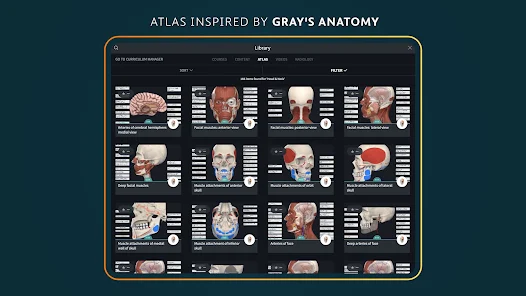
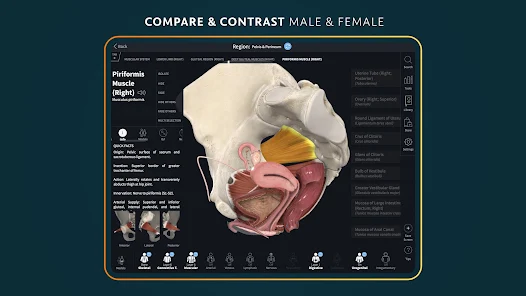
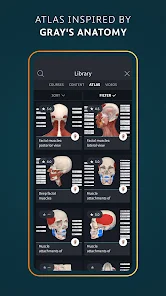
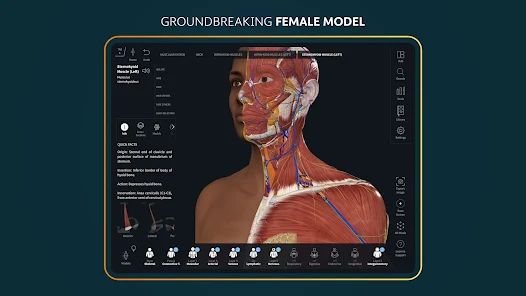
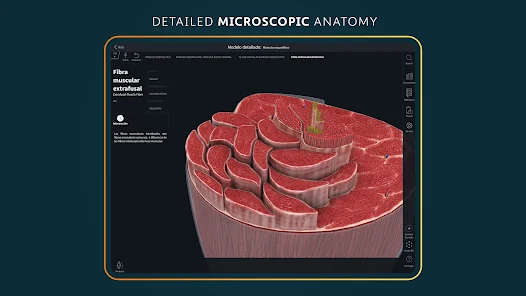

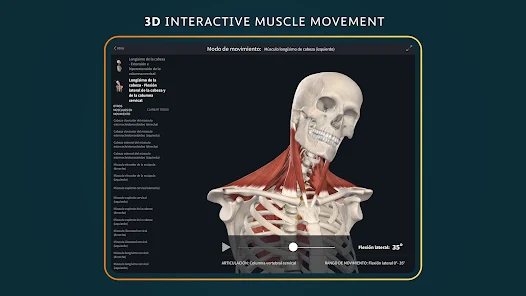
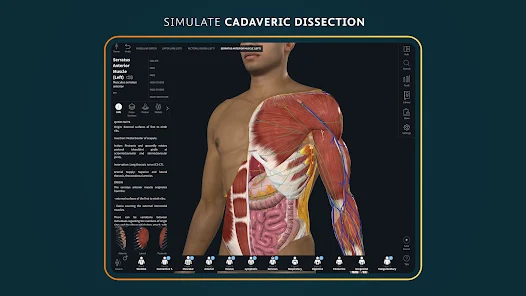
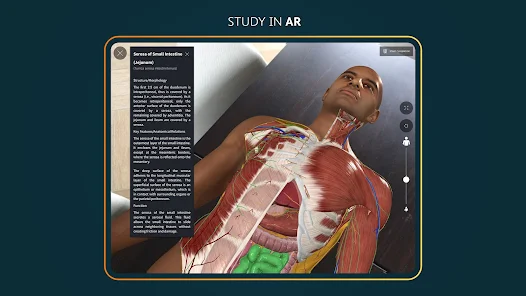
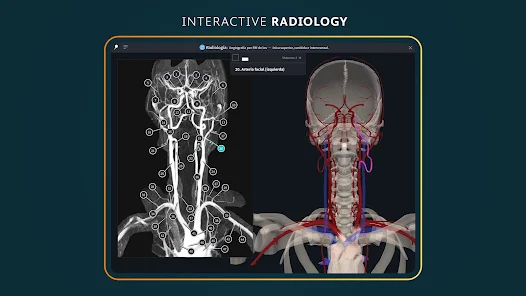
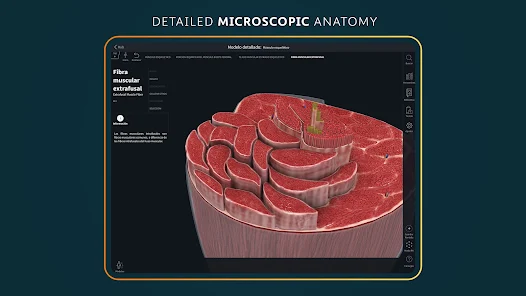
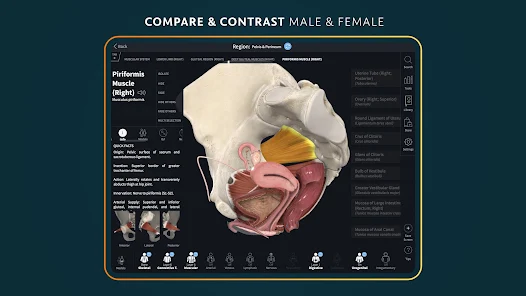
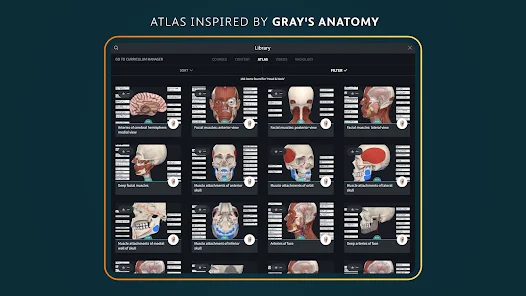
Features & Highlights
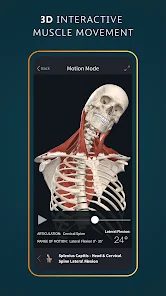
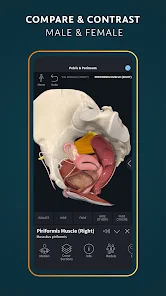
Complete Anatomy is not just another anatomy app; it’s a comprehensive tool that caters to both students and professionals in the medical field. Whether you’re a medical student preparing for exams or a healthcare provider looking to refine your knowledge, this app has something to offer. Here are some of its standout features:
Real Experience Using Complete Anatomy
Application Scenarios
As a medical student, I find myself using Complete Anatomy in various scenarios throughout my day. Whether I’m in class, studying for exams, or even during clinical rotations, the app has become an indispensable tool in my arsenal. For example, while preparing for a practical exam, I often revisit the 3D models to visualize anatomical structures that I need to identify. Similarly, during my clinical rotations, I use the app to refresh my memory on specific anatomical details before performing procedures, ensuring that I approach every task with confidence.
User Experience
The user interface of Complete Anatomy is sleek and intuitive, making navigation a breeze. Upon opening the app, I’m greeted with a clean layout and easy access to all features. The workflow is logical, allowing me to jump from 3D models to quizzes with minimal friction. Performance-wise, the app runs smoothly without lag, even when I’m zooming in on intricate structures. The visuals are stunning, with high-resolution graphics that bring anatomy to life. Overall, my experience using Complete Anatomy has been overwhelmingly positive, as it serves as both a learning tool and a reference guide.
Pricing
Complete Anatomy operates on a subscription-based pricing model. While there is a free version, the premium subscription unlocks a wealth of features, including advanced content and regular updates. Considering the depth of information and tools provided, the subscription feels justifiable, especially for serious learners. I opted for the premium version, and it has proven to be a worthwhile investment in my education.
Updates & Support
The developers of Complete Anatomy frequently release updates that introduce new features and improvements based on user feedback. I appreciate this commitment to continuous improvement, as it shows that they are dedicated to enhancing the user experience. Additionally, the support team is responsive and helpful. I reached out with a query regarding a feature, and they promptly provided me with the assistance I needed.
Security & Privacy Review
When it comes to security and privacy, Complete Anatomy adheres to industry standards, which is reassuring for American users. The app is available on both the App Store and Google Play, ensuring that it meets the necessary security guidelines set by these platforms. To use the app, registration is required, but the personal data collected is minimal and primarily used to enhance user experience, such as saving preferences and progress.
Importantly, Complete Anatomy does not bombard users with ads, which allows for a more focused learning experience. Additionally, the app does not engage in invasive tracking behavior, making it a trustworthy choice for anyone concerned about their privacy. Overall, I feel secure using Complete Anatomy, knowing that my data is handled responsibly.

 Interactive 3D models enhance learning experience Access to a vast library of anatomical resources Real-time collaboration with peers and instructors Customizable views for focused study sessions Regular updates ensure current and accurate information
 Limited offline access for users on the go High subscription cost may deter some users Steep learning curve for beginners Inconsistent updates can affect content accuracy
  Google Play
  App Store
 Yes, Complete Anatomy is widely used in educational settings, including medical schools and universities. Its interactive features and extensive anatomical content make it a valuable tool for teachers and students alike.
Yes, Complete Anatomy allows users to download specific content for offline use. However, some features may require an internet connection for full functionality, such as updates and cloud-based content.
You can access the Complete Anatomy app by downloading it from the App Store for iOS devices or Google Play for Android devices. It is also available on desktop through a web application. A subscription may be required for full access to all features.
Content in Complete Anatomy is regularly updated to include new anatomical models, features, and educational resources. Users can expect improvements and additions that enhance the learning experience.
Yes, Complete Anatomy is suitable for beginners as it provides intuitive navigation and user-friendly features. It also includes educational resources and guided tutorials that help users learn at their own pace.
You can reach customer service through the app's help section or by visiting their website for contact details.
After purchasing, log into the app, go to settings, and follow prompts to activate your subscription.
Open the app, click on "Log In," and enter your registered email and password.
The customer support number can be found in the app or on the official website under the support section.