 Verified App
 You are going to be redirected to the official website to finish the download when you click these buttons above.
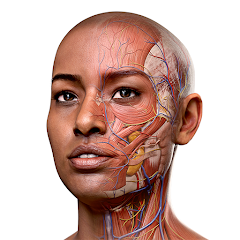
Yes, Complete Anatomy is widely used in educational settings, including medical schools and universities. Its interactive features and extensive anatomical content make it a valuable tool for teachers and students alike.
Yes, Complete Anatomy allows users to download specific content for offline use. However, some features may require an internet connection for full functionality, such as updates and cloud-based content.
You can access the Complete Anatomy app by downloading it from the App Store for iOS devices or Google Play for Android devices. It is also available on desktop through a web application. A subscription may be required for full access to all features.
Content in Complete Anatomy is regularly updated to include new anatomical models, features, and educational resources. Users can expect improvements and additions that enhance the learning experience.
Yes, Complete Anatomy is suitable for beginners as it provides intuitive navigation and user-friendly features. It also includes educational resources and guided tutorials that help users learn at their own pace.
You can reach customer service through the app's help section or by visiting their website for contact details.
After purchasing, log into the app, go to settings, and follow prompts to activate your subscription.
Open the app, click on "Log In," and enter your registered email and password.
The customer support number can be found in the app or on the official website under the support section.