
Version: 7.1.21
Developer: Peacock TV LLC
 Verified App



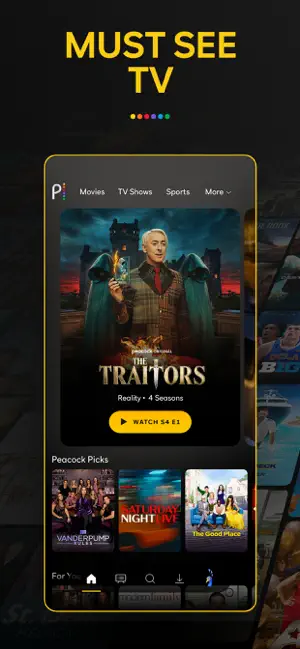
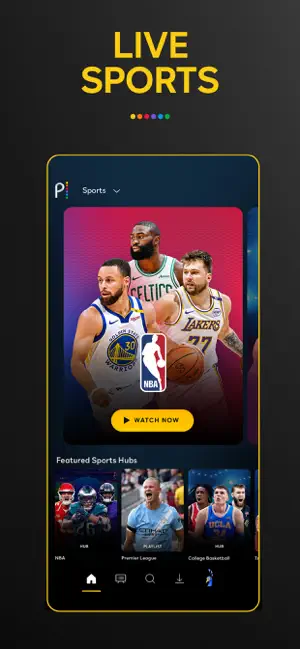
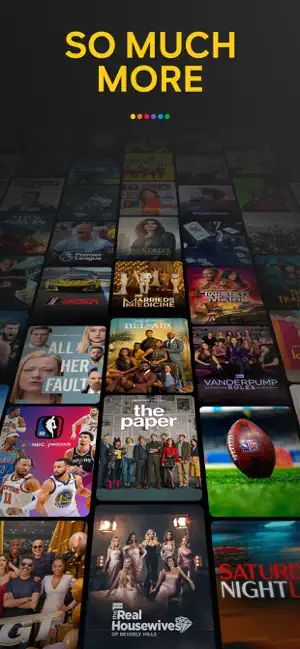

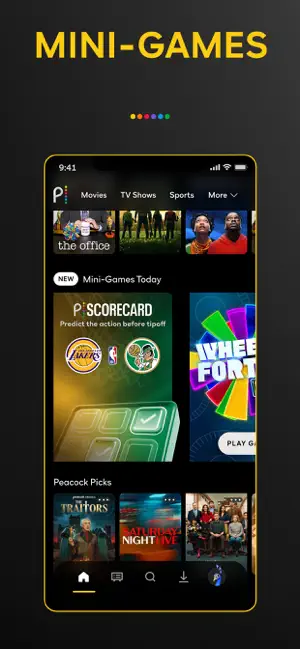







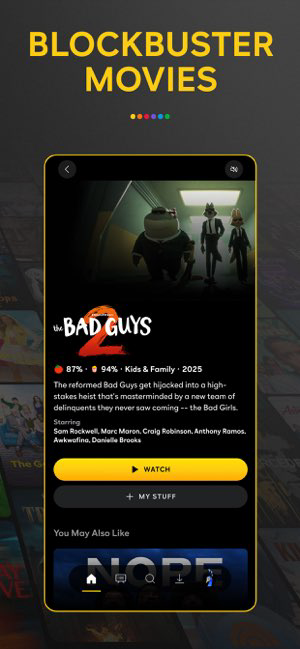


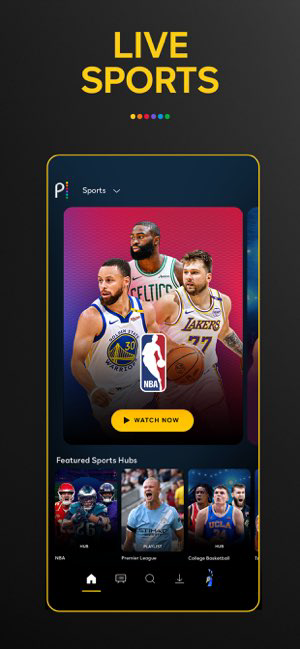




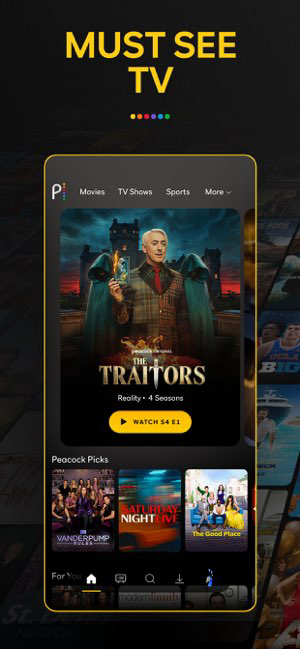

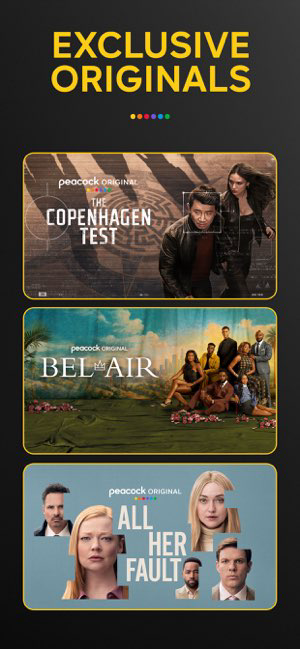

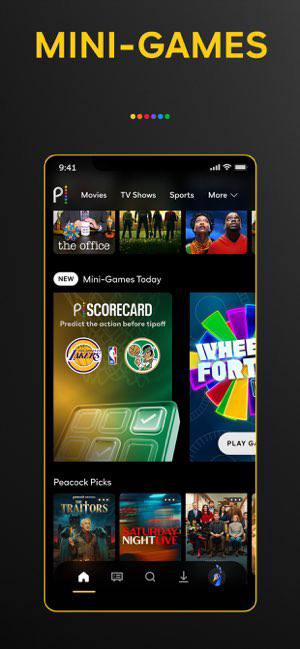










Peacock is a streaming service that offers a wide range of TV shows, movies, and original content. The service is owned by NBCUniversal and includes content from various networks, including NBC, Bravo, and Syfy. Peacock offers both free and premium subscription plans, with the free plan featuring a limited selection of content and the premium plan offering access to the full library. Peacock can be accessed via a web browser, mobile app, or through smart TVs and streaming devices. The service also features a variety of exclusive content, including Peacock Originals and live sports coverage.
Features & Highlights
Peacock TV has quickly emerged as a noteworthy contender in the crowded streaming landscape, offering a unique blend of content that caters to different tastes. Here are some of the core features that make Peacock TV stand out:
Real Experience Using Peacock TV
Application Scenarios
My experience with Peacock TV has been nothing short of delightful. I often use the app during downtime at home—whether I’m lounging on the couch after a long day or winding down before bed. One evening, I decided to have a movie night with my family. We browsed through the app and found a classic film that we all loved but hadn’t seen in years. The excitement of sharing that experience made it all the more special, especially since we could easily access it without any hassle.
Additionally, there are times when I need to catch up on the latest news. With Peacock's live TV feature, I can tune into NBC News while preparing dinner, keeping me informed while multitasking. The convenience of having everything in one app is a game-changer for my daily routine.
User Experience
The user interface of Peacock TV is sleek and straightforward. Upon opening the app, I was greeted with a visually appealing home screen that showcased trending shows and personalized recommendations based on my viewing history. Navigating through different genres felt seamless, with categories clearly labeled and easy to explore.
In terms of performance, I found the app to be quite responsive, with minimal buffering even during peak hours. I particularly enjoyed the ‘Continue Watching’ feature, which made it simple to pick up where I left off. Overall, my experience with the app has been positive, as it effectively combines functionality with a visually engaging design.
Pricing
Peacock TV offers a tiered pricing structure that is accessible to a wide range of users. The free version provides a good selection of content, making it a perfect entry point for those hesitant to commit. The premium tier, which includes ads, is priced reasonably, while the ad-free premium plus tier is slightly higher, catering to those who prefer an uninterrupted viewing experience. I appreciate this flexibility, as it allows me to choose what suits my budget and viewing habits best.
Updates & Support
Peacock TV is continually evolving, with regular updates that enhance the user experience. The support team is also responsive, addressing issues promptly through their help center. I once encountered a minor glitch while streaming, but after reaching out, I received a quick solution that restored my viewing experience. It’s reassuring to know that the developers are committed to user satisfaction and actively work on improving the app.
Security & Privacy Review
As an American user, I prioritize security and privacy while using streaming applications like Peacock TV. The app is available through official sources, such as the App Store and Google Play, ensuring a level of trust and credibility. Registration requires basic personal data, including an email address, which is standard practice for most streaming services. However, I appreciate that Peacock does not ask for excessive personal information, making the sign-up process straightforward and quick.
One concern many users have is regarding ads and tracking behavior. Peacock does serve ads, especially in the free and premium tiers, which may involve some level of tracking to personalize advertisements. I understand the need for targeted ads; however, I would prefer clearer communication on how my data is being used. Overall, I feel comfortable using Peacock TV, knowing that they prioritize user security while delivering a robust streaming experience.

 Wide selection of TV shows and movies available. Exclusive access to NBCUniversal content and originals. User-friendly interface for easy navigation and streaming. Flexible subscription plans with no long-term contracts. Compatible with various devices for on-the-go viewing.
 Limited content library compared to competitors Ads interrupt viewing experience Geographic restrictions on streaming availability User interface can be confusing
 Yes, Peacock TV: Stream TV & Movies may collect personal data for account creation, personalization of content, and advertising purposes, as outlined in their privacy policy.
Yes, Peacock TV: Stream TV & Movies offers a free tier with limited content, as well as a free trial for users interested in exploring premium features and content.
Yes, Peacock TV: Stream TV & Movies requires a stable internet connection to stream content effectively.
You can contact support or send feedback for Peacock TV: Stream TV & Movies through the help section of the app or website, where you can find FAQs, chat support, or email assistance.
You can manage or cancel your subscription by accessing your account settings through the Peacock TV app or website, where you will find options for subscription management.
Yes, if you signed up through a partner like Amazon or Apple, you may need to activate your account via a confirmation email or a specific activation link.
You can contact Peacock TV customer service through the app or website by accessing the Help Center or using the live chat feature. You can also reach them at their support number.
To reset your password, go to the login page, click on 'Forgot Password,' and follow the instructions sent to your registered email address.
To update your payment information, log into your account, go to 'Account Settings,' and select 'Manage Payment Methods' to add or edit your payment details.
To cancel your subscription, log in to your account, go to 'Account Settings,' and select 'Cancel Subscription.' Follow the prompts to complete the cancellation process.












 Google Play
  App Store