Category: Entertainment
Developer: Twitch Interactive, Inc.
 Verified App


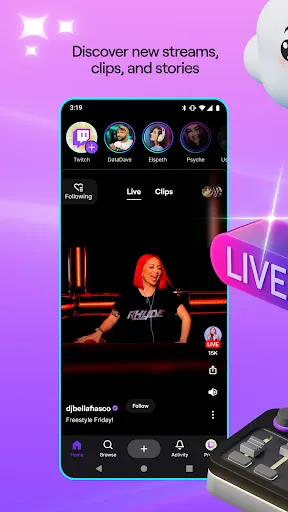
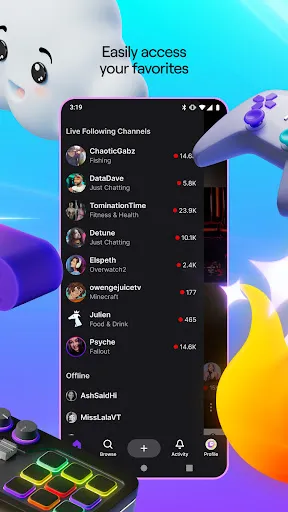
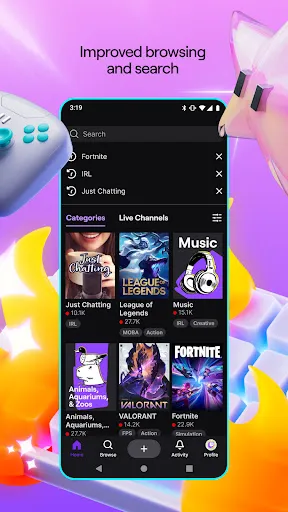
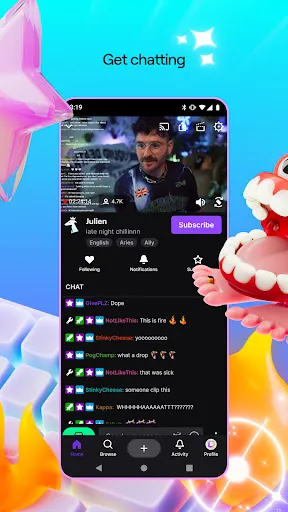
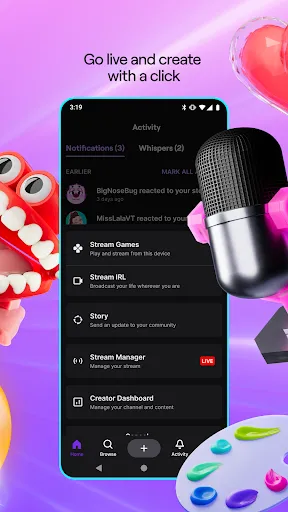
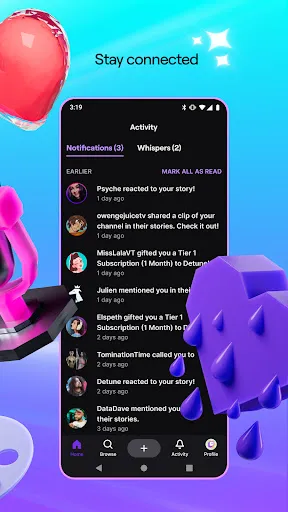
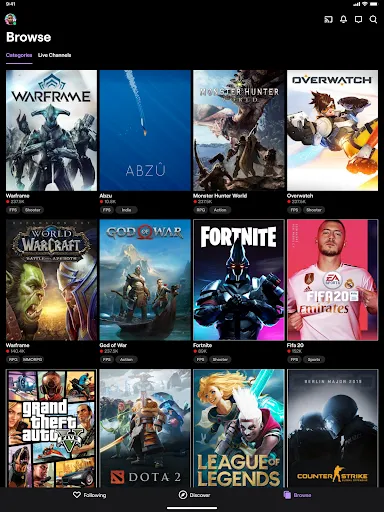
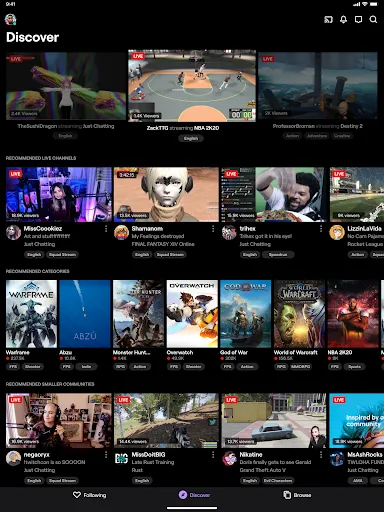
Twitch is a live streaming platform owned by Amazon. The app has become very popular due to its ease of use and the large range of content that can be streamed. Twitch allows users to watch streams from other users, as well as their own channels. There are also features that allow users to create their own streams, and share them with other people. The popularity of Twitch has led to it becoming one of the most used live streaming platforms.
Features & Highlights
Real Experience Using Twitch: Live Game Streaming
Application Scenarios
Using Twitch has become a daily ritual for me, especially during weekends when I have more time to dive deep into gaming. I often stream various games, from competitive titles like "Valorant" to more casual experiences such as "Stardew Valley." One of my favorite scenarios is hosting a weekend gaming marathon, where I invite friends to join and share their insights through the chat feature. This not only makes the gaming session more enjoyable, but I also get to interact with my viewers in real time, answering their questions and discussing strategies. Additionally, I find myself using the app during lunch breaks at work, catching up on my favorite streamers and engaging with the community even when I’m away from my gaming setup.
User Experience
Twitch’s user interface is intuitive and user-friendly, making it easy for both new and seasoned users to navigate. The main page features trending streams, personalized recommendations, and easy access to channels I follow. The workflow for streaming is seamless; setting up my stream takes just a few minutes. The quality of the streams is impressive, with minimal lag and high-definition options, ensuring a smooth viewing experience. After using the app extensively, I’ve come to appreciate how responsive the chat feature is, allowing me to interact with viewers quickly. Overall, my experience with Twitch has been overwhelmingly positive; it feels like a community hub where gamers and viewers come together to share their passion.
Pricing
Twitch is free to use, which is a huge plus for anyone looking to dive into game streaming without financial barriers. However, for those wanting to enhance their experience, there are options for subscriptions. Users can subscribe to their favorite channels for a monthly fee, which often grants them perks like exclusive emotes, badges, and ad-free viewing. This model allows for flexibility, catering to both casual viewers and dedicated fans willing to support their favorite streamers.
Updates & Support
Twitch regularly updates its platform to enhance user experience and introduce new features. The app is frequently optimized for performance and security, reflecting the developers’ commitment to improving user satisfaction. Support is readily available through the help center, and community forums are buzzing with discussions where users can share tips and solutions. I’ve found the community aspect of Twitch to be particularly helpful; when I had a technical issue, fellow users quickly provided guidance, demonstrating the collaborative spirit that defines the platform.
Security & Privacy Review
As an American user, I’ve always been cautious about the security and privacy policies of the apps I use, and Twitch is no exception. The app is available on official sources like the App Store and Google Play, which adds a layer of credibility. When registering for an account, Twitch requires basic personal data, such as an email address and username. While it’s standard for social platforms, I appreciate the transparency in their privacy policy regarding data usage.
Moreover, Twitch does display ads, which are often targeted based on user behavior. While this can enhance the relevance of advertisements, it raises concerns about tracking and data privacy. Fortunately, Twitch offers users some control over their data settings, allowing us to manage how our information is used. Overall, while there are some privacy concerns, Twitch takes reasonable steps to ensure user security, making it a relatively safe platform for gamers and viewers alike.

 Engage with your audience in real-time through interactive chat. Reach a global community of diverse viewers and creators. Monetize your passion through subscriptions and donations. Showcase your gaming skills and creativity to gain recognition. Access tools and resources to enhance your streaming experience.
 High competition makes it difficult for new streamers to gain visibility Monetization can be challenging, requiring substantial viewer engagement Content moderation issues can lead to toxic environments for users
  Google Play
  App Store
so good
FORGIVE KAI FOR NOT BE8NG ON MOUNT EVEREST OF STREAMING
10/10 Ron got in wwwwwwwwwwwww
👍

its good for streaming but need viewers 😪
Review Source: Google Play store public user reviews.
Yes, users can submit suggestions or feedback to Twitch through their help center or community forums to help improve the platform.
Yes, Twitch: Live Streaming collects personal data such as user account information, viewing habits, and interaction data to enhance user experience and for advertising purposes.
No, Twitch: Live Streaming does not support offline use as it requires an internet connection to access live streams and video content.
To cancel your Twitch subscription, you can go to your account settings, navigate to the subscriptions section, and follow the prompts to cancel.
Subscriptions on Twitch can vary, but they typically start at $4.99 per month for the basic tier, with additional tiers offering more features at higher prices.
Yes, you can change your login information in the account settings under "Security and Privacy."
To activate your account, check your email for the activation link sent by Twitch and follow the instructions provided.
You can check your account activation status by attempting to log in or by contacting customer service for help.
You can reach Twitch customer service through the support page on their website or via the help section in your account settings.
To reactivate your Twitch account, log in and follow the prompts, or contact customer service if you're having trouble.
Bug fixes, stability fixes, and app optimizations